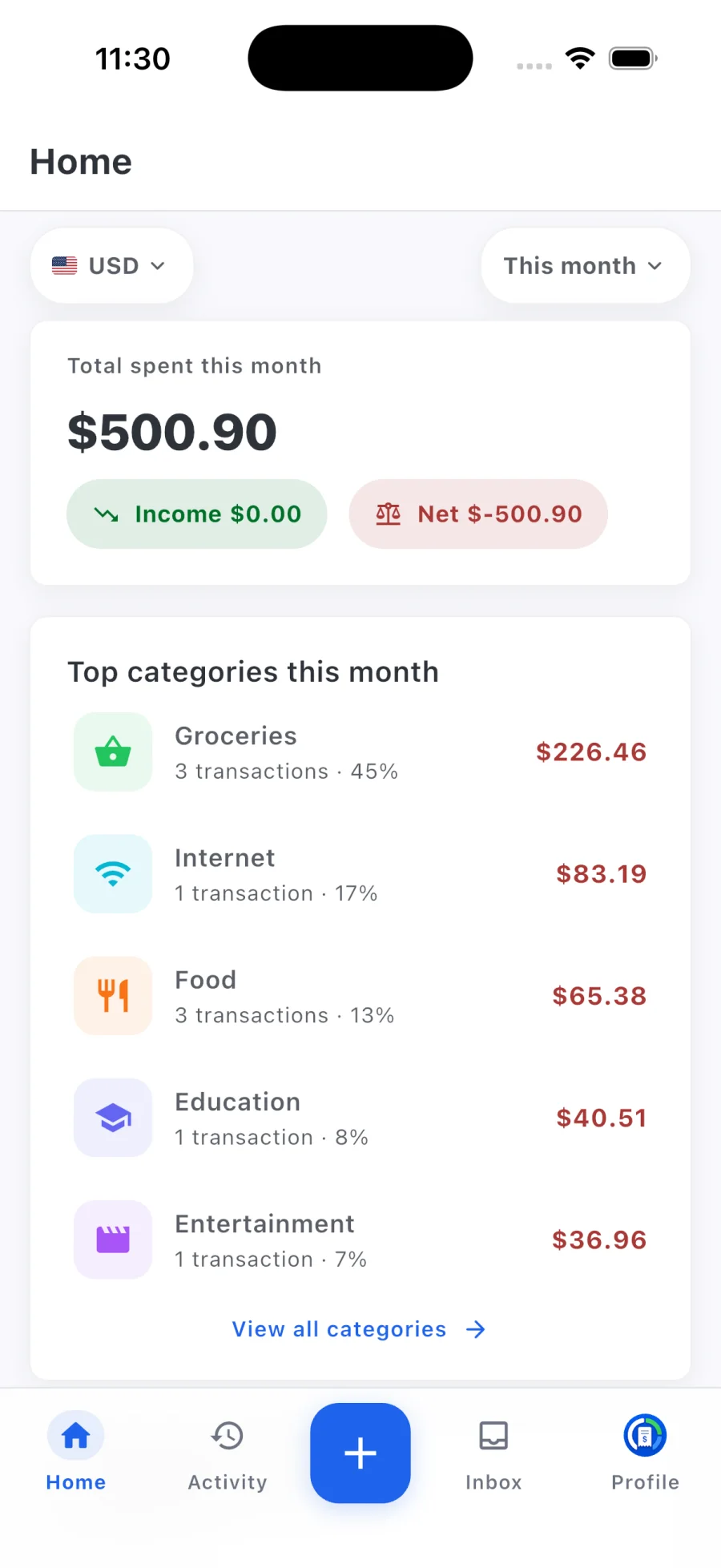
Log it before you forget
Speaking takes less effort than opening a form, so small cash and card purchases actually get recorded.
Voice expense tracker
A voice expense tracker lets you record spending by talking instead of typing. With Rizur, you hold the button, say something like “lunch was 14 and I filled up the car for 52”, and release. Rizur picks out amounts, merchants, and categories, creates the transactions, and lets you review them before they count.
Free to downloadCore tracking stays free
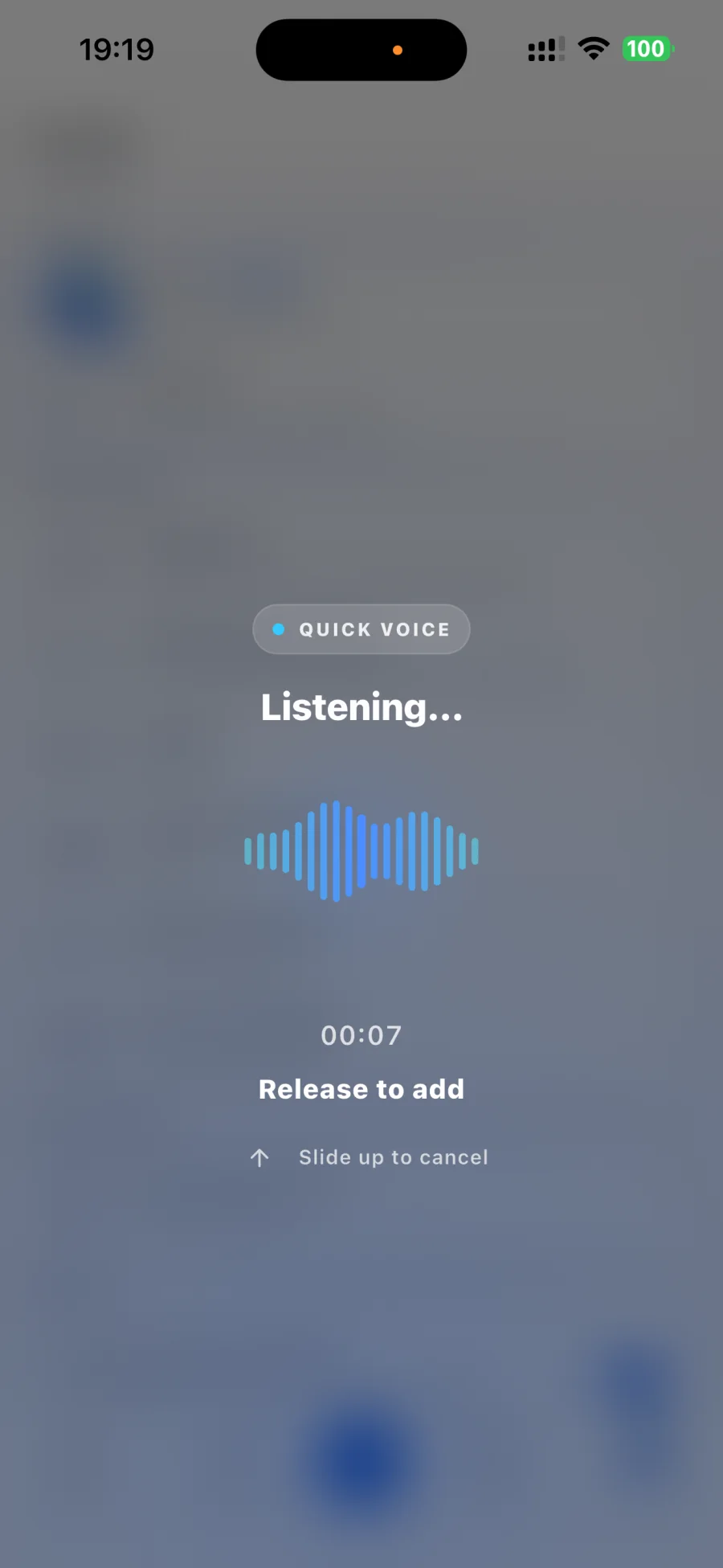
Describe what happened the way you'd tell a friend. Mention one expense or several in the same note.
Rizur organizes the note in the background, so you don't have to wait on a loading screen.
Check the amounts, categories, and dates Rizur found, and edit anything before it lands in your ledger.
Speaking takes less effort than opening a form, so small cash and card purchases actually get recorded.
Voice entry understands natural speech across many languages. Describe transactions however you normally talk.
Recap a whole afternoon in one recording. Rizur splits it into separate expenses and income.
AI results are always reviewable and editable. Nothing is final until you're happy with it.
A few useful answers
Rizur is designed to feel simple, while keeping the important details and decisions in your hands.
No. Speak naturally and include whatever details you remember, like the amount, the shop, or what it was for. Rizur looks for the transaction details in what you say.
Rizur understands natural speech across many languages, so you can log expenses in the language you think in.
Yes. Mention several expenses or income entries in one voice note, and Rizur creates a separate transaction for each one for you to review.
Voice recordings are deleted after processing. The transaction details you save stay in your account.
Every account includes some free Voice Entries and Receipt Scans, and failed attempts don't count. Premium continues AI access, subject to fair-use limits. Current pricing is shown before purchase.