Guide
How to keep track of your subscriptions.
How do I keep track of all my subscriptions?
Gather every place a subscription can hide, list each charge with its amount and renewal date, then set a reminder before each one renews. A first pass is quick, and the reminders are what stop the list from going stale. Review it a few times a year to drop what you no longer use.
Last updated:
Where subscriptions hide
Most people find a few they'd forgotten. Check each of these places once.
- Your bank and card statements. Look back several months, and a full year to catch annual charges.
- Your app store subscriptions. On iPhone, open Settings and tap your name, then Subscriptions. On Android, open the Play Store and look under Payments & subscriptions.
- Your email. Search for words like “receipt”, “renewal”, “trial”, and “subscription”.
- Payment services such as PayPal, and any plans paid by someone else in your household.
What to write down for each one
For every subscription, note the name, the amount, how often it bills, and the next renewal date. Add where you cancel it, because that's the detail you'll want at the moment you decide to stop.
Include rent and regular bills too. They behave the same way and belong in the same list.
Decide what stays
Go through the list and ask three questions about each item.
- Did I use it in the last month?
- Would I sign up for it again today at this price?
- Is there a cheaper plan, or an annual plan that costs less per month?
Keep it from creeping back
A list goes stale unless something prompts you to look at it. A reminder a few days before each renewal is the simplest prompt: it gives you time to cancel, not just a charge to notice afterwards.
Write down the end date of any free trial the moment you start it. Trials are where most unwanted subscriptions begin.
Tracking subscriptions in Rizur
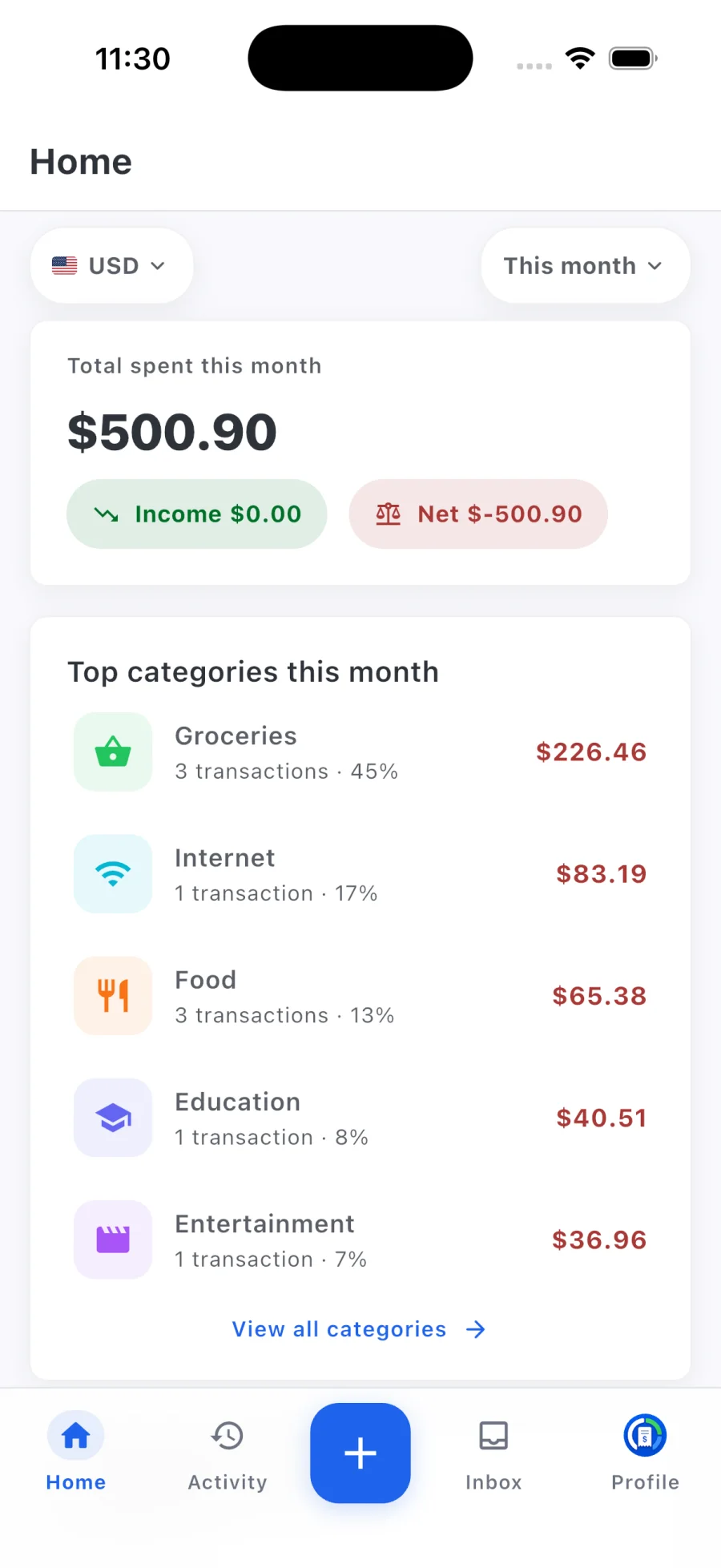
Rizur keeps your recurring charges next to the rest of your spending and reminds you before they renew. It doesn't connect to your bank, so you add what you want tracked.
- 01
Add each recurring charge
Enter the name, amount, and renewal date for every subscription, bill, or rent payment on your list.
- 02
Choose your reminders
Pick how far ahead you want to be reminded before each one renews.
- 03
Check what's coming
See upcoming renewals alongside your other spending, and cancel with the provider when you decide to.
A few useful answers
Common questions.
Rizur is designed to feel simple, while keeping the important details and decisions in your hands.
How do I find subscriptions I forgot about?
Check your bank and card statements, your app store subscription lists, your email for renewal receipts, and payment services like PayPal. Looking back a full year catches annual charges.
How far ahead should a renewal reminder be?
Far enough to cancel without rushing. A few days is common for monthly plans, and longer for annual plans where the charge is bigger.
Can Rizur cancel subscriptions for me?
No. Rizur tracks recurring charges and reminds you before they renew. You cancel with the provider yourself.